
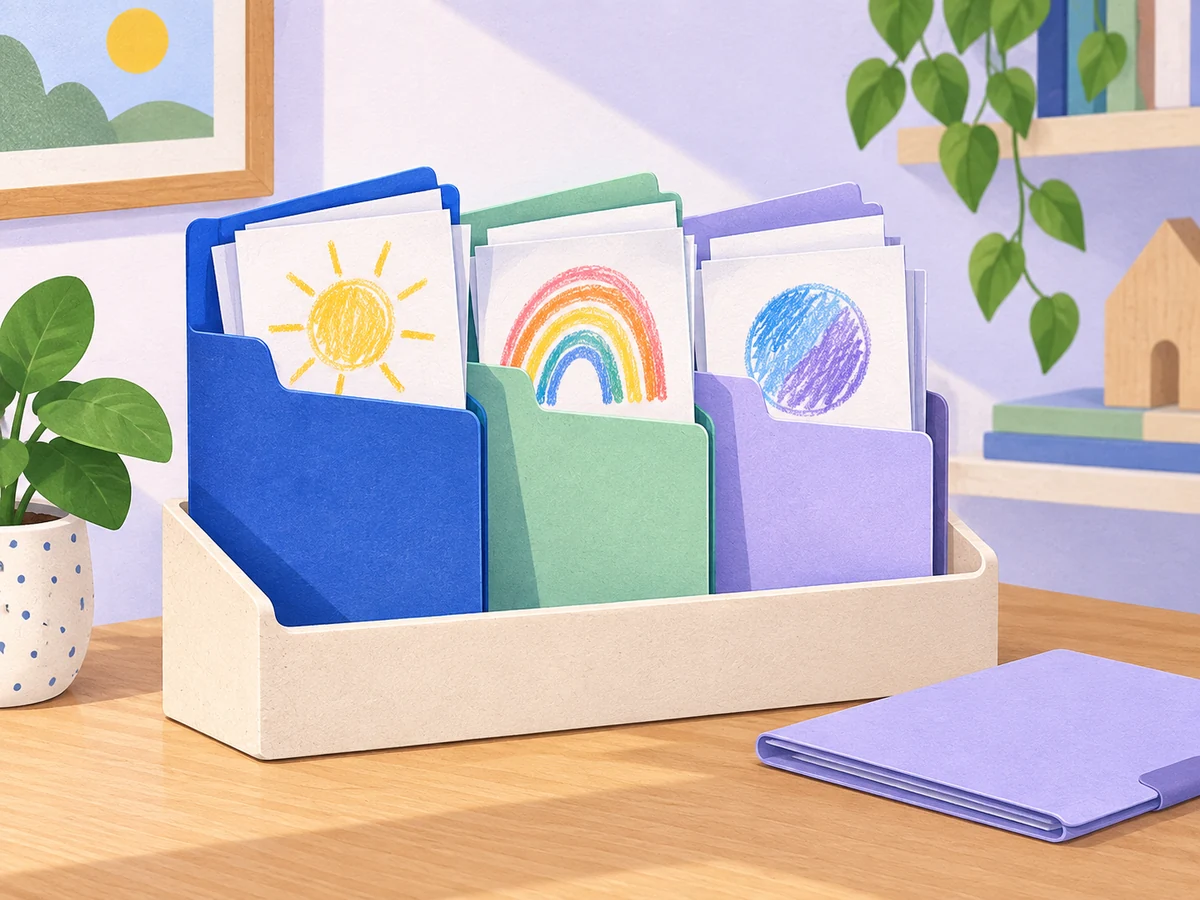
To organize printable activity pages, keep the original files in one place and separate paper copies into ready pages, unfinished work and favorites to keep. Put a small selection within easy reach, store extra copies elsewhere, and note where each page came from so you can find it again.
You do not need to file every sheet perfectly before your family can use the system. Start with the pile that causes the most searching: perhaps fresh coloring pages mixed with half-finished pictures, or worksheets whose original PDF has disappeared into Downloads.
This is a home setup for parents and caregivers. Use it with one child or adapt it for siblings; the filing decisions do not depend on a particular age. Try folders or trays you already own before buying storage.
Give each kind of paper a home
Clear a small surface and look at the pages you already have. Make three groups. “Ready” means a page someone might choose next. “In progress” means a child wants to return to it. “Keep” means a finished picture or page they would like to save.
Set aside instructions, answer keys and unused bulk copies for an adult-managed reserve. They do not all need to sit in the child’s everyday folder.
| What you find | Where it goes | What to do next |
|---|---|---|
| A fresh page your child wants to try | Ready | Put a small selection at the front. |
| A half-colored picture they want to finish | In progress | Keep it separate from unused copies. |
| A finished favorite | Keep | Choose a display or storage place together. |
| Extra copies, game instructions or answer keys | Adult reserve | Keep related pieces together and record the source. |
| A page nobody wants to use or keep | Review together | Decide whether to reuse the blank side or let it go. |
Do not assume an unfinished page is unwanted. Ask, “Would you like this for another day?” If the answer is yes, it has a place without needing to be completed now.
Choose storage that fits your pages
A pocket folder is a useful starting point for a modest selection. Use one pocket for ready pages and one for work in progress, with a separate folder or box for favorites. Add a plain paper label or a simple drawing so everyone can recognize the pockets.
If you already have a larger collection, an expanding file can hold the adult reserve. Try a few broad sections such as coloring, puzzles and games. Keep each game’s directions beside its pages rather than splitting every sheet into a different category.
A binder may suit a collection you browse often, but first try taking out and returning a page. If opening rings or handling sleeves makes the task awkward, let an adult manage the binder and use a pocket folder for daily choices.
Check the actual fit before sorting the whole pile. Close the folder with a few pages inside: edges should not need to fold, and you should be able to take one sheet out. A4 and US Letter pages may need different storage. Printing problems belong in our guide to printing coloring pages; changing printer settings is a separate job from organizing the copies you already have.
Build a small ready-to-use folder
Pick a few pages your child is interested in now. For a first trial, you might offer two coloring choices, one puzzle and some blank paper. Those quantities are an example, not a weekly target. Keep the remaining copies in the reserve.
Put pages that need adult preparation somewhere you will notice them before offering them. You could use an adult-only “prepare first” folder for activities requiring supplies or instructions you have not checked yet.
Keep the ready folder near the place where you normally use paper activities. Show your child how to choose a page and where the unused choices go back. If the pocket is hard to manage, lay out two options yourself and return the folder afterward.
When the ready selection stops being interesting, change it. There is no need to finish every sheet before choosing something else. For help deciding which kinds of pages to include, see our printable activity book chooser.

Keep unfinished pages easy to return to
Give work in progress a clearly different place from fresh pages. Otherwise, a child looking for their half-finished drawing may pull out the entire ready pile.
At the end of an activity, offer a simple choice: “Keep working on this another day, or put it with your finished pictures?” Let the child’s answer guide the paper decision. An unfinished page can be finished as far as they are concerned.
For a game with several sheets, place the related paper pieces in one labeled folder. Write the game name on it and keep its instructions with it. Store activity materials according to their own instructions, separately from the loose-page system when needed.
If the in-progress pocket fills up, look through it together before adding another container. Keep the projects they still want to return to, move favorites to their chosen home and decide together what no longer needs saving.
Make the original PDF easy to find
Paper storage solves only half the searching problem. When someone wants another copy of a favorite picture, you also need to know which file contains it.
Create one main folder for your activity downloads. Inside, keep each book or pack together with its instructions and any included supporting files. Use a name you will recognize, such as the creator and book title. You do not need a complicated system of age, skill and season folders.
Keep a simple source note with your paper reserve. For example: “Animal pictures — saved in Activity Downloads, animal book folder; rabbit is PDF page 8.” This is a made-up example of a note, not a page reference for a KCB product. Check the PDF page number yourself; the viewer’s page count and a printed number may differ.
If you already have your own download organization, add a source note to that system instead. The useful test is whether you can find the original from the paper copy. You do not need to move every file to a new folder just to match this guide.
Try this home-folder example
Imagine a pile containing twelve fresh pages, two unfinished drawings and several finished pictures. Here is one way to organize it using two folders and an existing paper box:
- Everyday folder: put four chosen fresh pages in the ready pocket and the two unfinished drawings in the other pocket.
- Reserve folder: store the other eight fresh pages with a note identifying the source files. Keep instructions with the activity they explain.
- Favorites box: look through the finished pictures together and put the chosen keepers here, or select one to display.
Now try the system with one real request: “Can we find the picture you started yesterday?” Afterward, ask where it should return. If that feels confusing, change the label or position of the pocket before adding more sections.
You can set this up using existing pages. If you want a few new choices later, browse the free printables and select only what you expect to use.
Adapt the system for siblings
Share a reserve if that works for your family, but give each child an identifiable place for work in progress. Their name, a familiar symbol or a drawing they choose can mark the pocket. Two children may want the same fresh page while having different plans for their finished pictures.
A child who enjoys labels can help name the sections. A child who prefers to point can choose between two visible pages while you handle the filing. These are options based on how each child uses the system, not age milestones.
If shared access causes confusion, try one everyday folder per child. If separate folders create more work than they solve, use one family ready folder and separate in-progress pockets. Keep the arrangement small enough that you can explain it in a sentence.
Reset the paper pile when it needs it
Choose a convenient moment to review the everyday folder, perhaps when you add fresh pages or notice the pockets becoming crowded. Return unused pages, check which unfinished pieces are still wanted and move finished favorites to their chosen place.
Replace a used page only when someone wants another copy. An empty ready pocket does not have to become a reason to print a whole new book. You can add blank paper or take a break from printables.
Keep the home reserve in place when you go out. Take only the pages you need, then return unused copies afterward. Our travel activity kit guide covers the separate task of choosing and packing materials for an outing.
Fix the part that keeps getting messy
| What keeps happening | Try this change |
|---|---|
| Every page gets pulled out to find one picture | Reduce the ready selection and show where unfinished work lives. |
| The folder will not close easily | Move bulk copies to the reserve and check the paper size. |
| Nobody knows which file to print from | Add the book title and PDF page reference to a source note. |
| Finished work builds up beside the folder | Choose a favorites home together before adding more ready pages. |
| The sections are ignored | Try fewer sections or help with the return step. |
Questions parents ask
Should I organize pages by age or activity?
For a shared reserve, broad activity sections can be a useful starting point. For everyday access, separate ready pages from work in progress first. Add more categories only when they solve a real finding problem.
Do I need to laminate the pages?
No. This system works with ordinary paper copies and folders. Reusing the organization system does not mean every activity page must be reusable or wipe-clean.
How many pages should be in the ready folder?
Start with a few choices that are easy to see and return. The worked example uses four, but your folder and family may need a different amount. Reduce the pile if finding one page becomes difficult.
What should I do with finished coloring pages?
Ask your child which ones they want to keep or display. Give those a separate home so they do not get mixed into the fresh-page selection. Revisit the collection together when the chosen space fills up.
Can one folder work for both school papers and activities?
It can, but keep anything that must return to school clearly separate from optional home activities. If that boundary is easy to miss, use a dedicated school folder and keep this system for home pages.


